
The Instructor Who Leaves: Protecting Enrollment When a Favorite Teacher Moves On
When a beloved instructor leaves, families often follow unless you have built loyalty to the program rather than to one person.
October 7, 20263 min read
Handle scheduling, payroll tracking, and performance management for instructors and administrative staff in one place.
Approvals
Awaiting your approval · 5
Ms. Rivera · Timesheet · Mar 1–15
38.5 hrs · $808.50
Coach Daniel · Shift swap · Sat 10:00
With Ms. Chen
Mr. Okafor · Expense · Robotics kits
$214.60 · 2 receipts
Ms. Chen · Time off · Mar 24–26
3 days PTO
Coach Daniel · Timesheet · Mar 1–15
22 hrs · $440.00
Hours this pay period
312.5
From check-ins and timesheets
On today
Ms. Rivera · 3:00–7:00
Mr. Okafor · 3:30–6:30
Coach Daniel · 4:00–8:00
Everything you need to make the most of Staff Management.
Timesheets, expenses, time off, shift cover and shift trades in one inbox, with an approver for each staff member and bulk approve or reject.
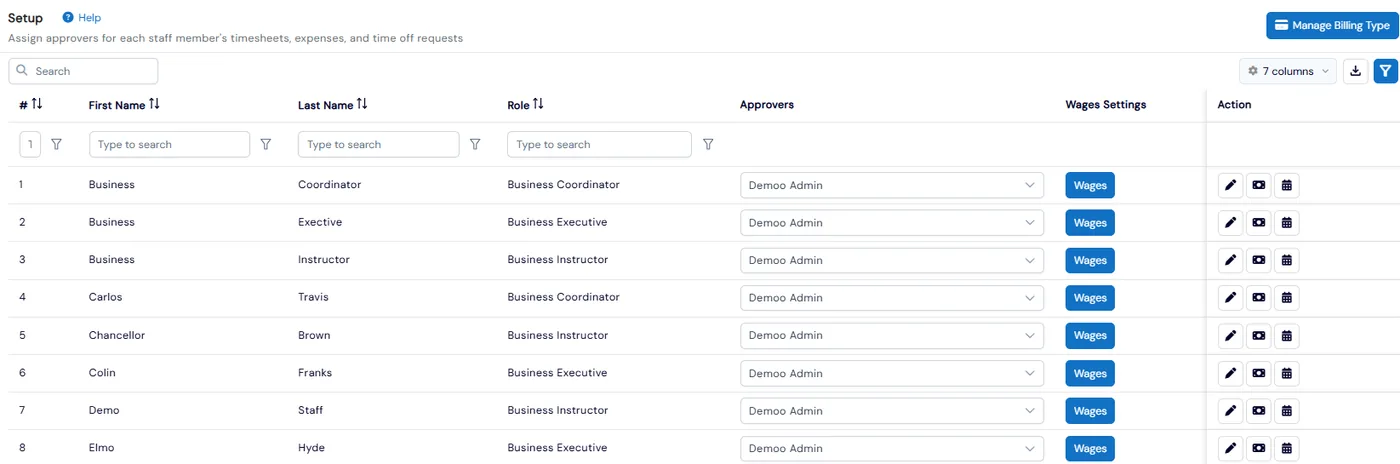
Calculate wages from check-in and check-out, timesheets or fixed hours, with total hours and total wage for each staff member.
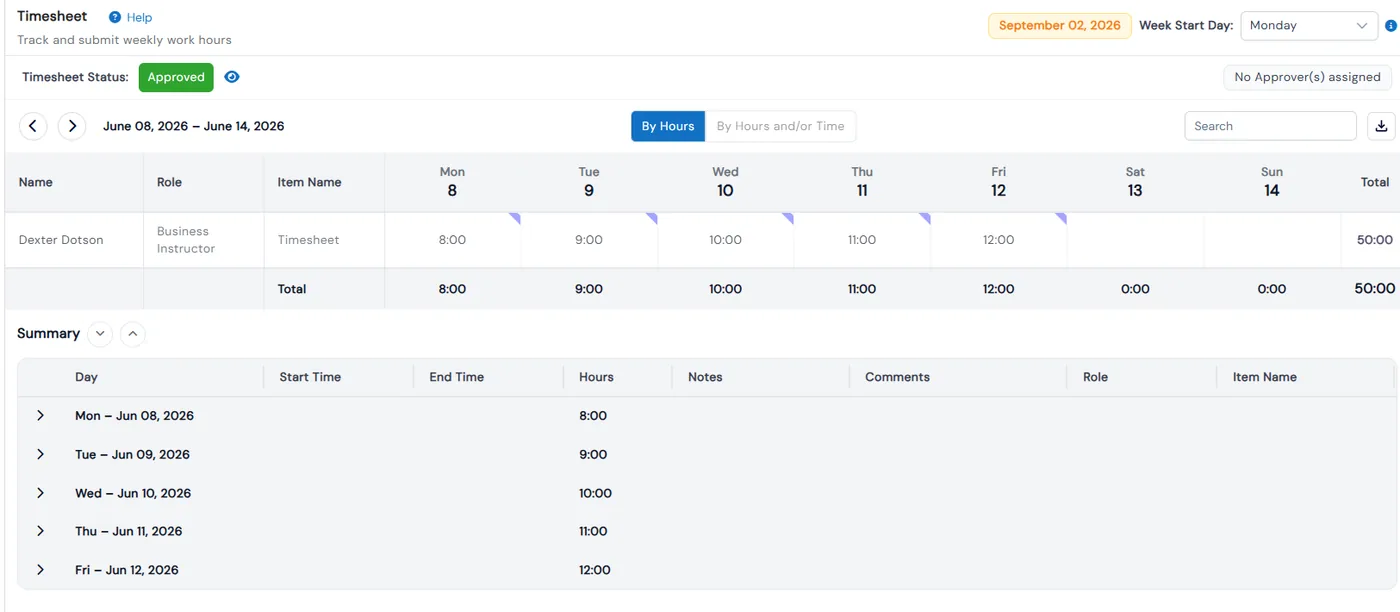
Each instructor can have a public bio and an intro video, plus student feedback threads with star ratings.
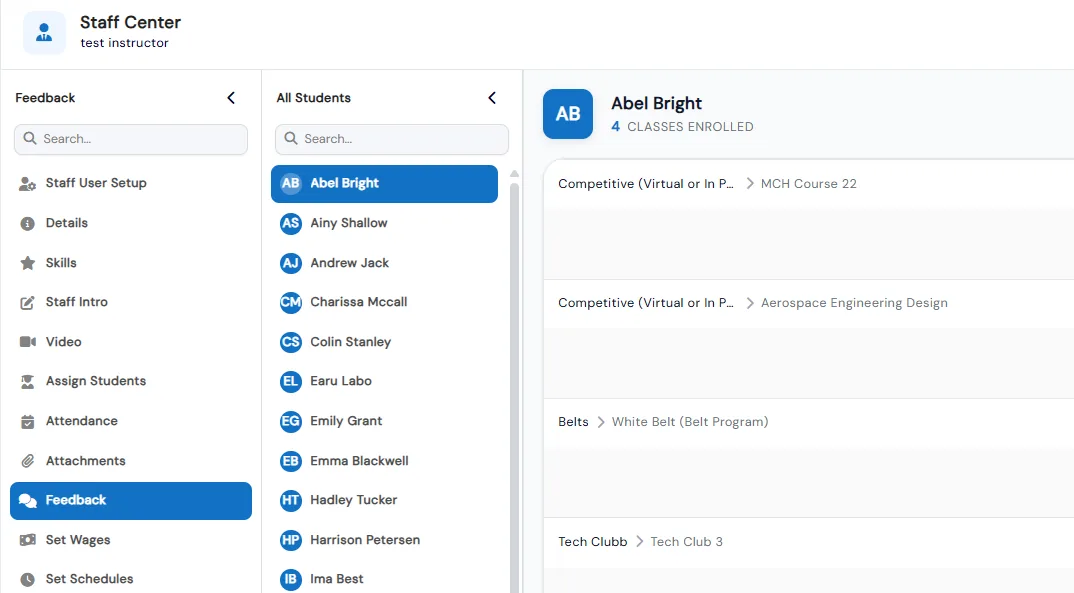
Create staff with a role, department and location, invite them to set their own password, or keep a record without a login and send portal access later.
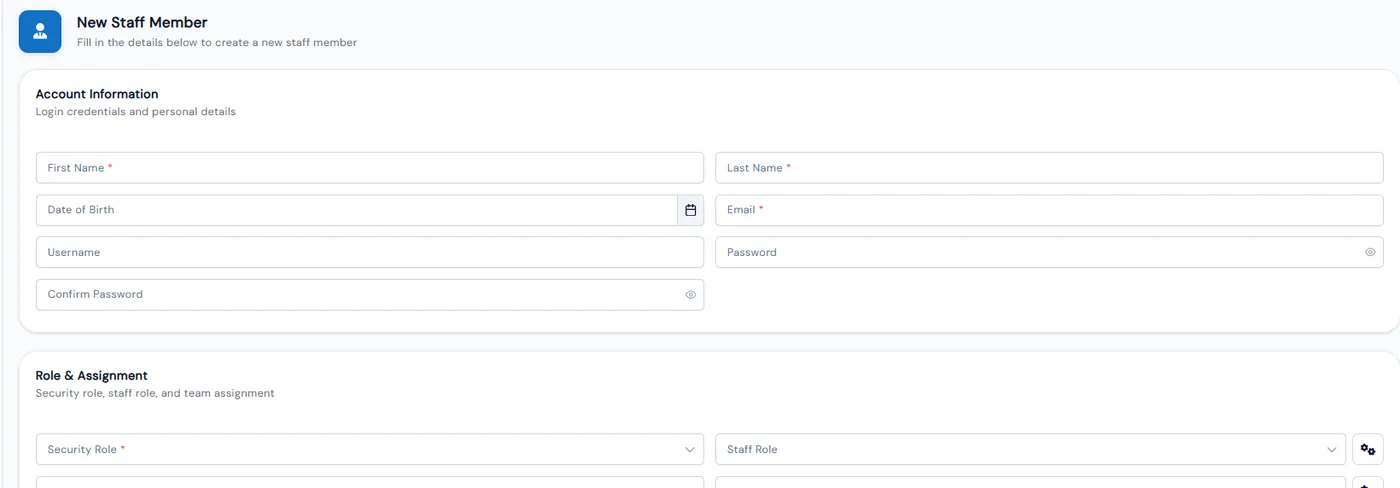
Staff add expenses with amounts, dates and receipt attachments, then submit them for approval.
Reduce scheduling conflicts
Streamline payroll processing
Track instructor certifications
Improve staff communication
Explore other features that work great with Staff Management.
Build shifts on a weekly or monthly calendar, publish them when they are ready, and let instructors ask for cover or trade shifts. Staff clock in on the same kiosk students use, and their hours feed wage totals.
Decide what admins, executives, coordinators and instructors can see and do, page by page and button by button. Require a second login step for any role, and keep franchise roles separate from head office.
Common questions about Calimatic Staff Management.
When a beloved instructor leaves, families often follow unless you have built loyalty to the program rather than to one person.

Practical ways to keep skilled instructors and coaches from leaving, and why retention protects both quality and margins.
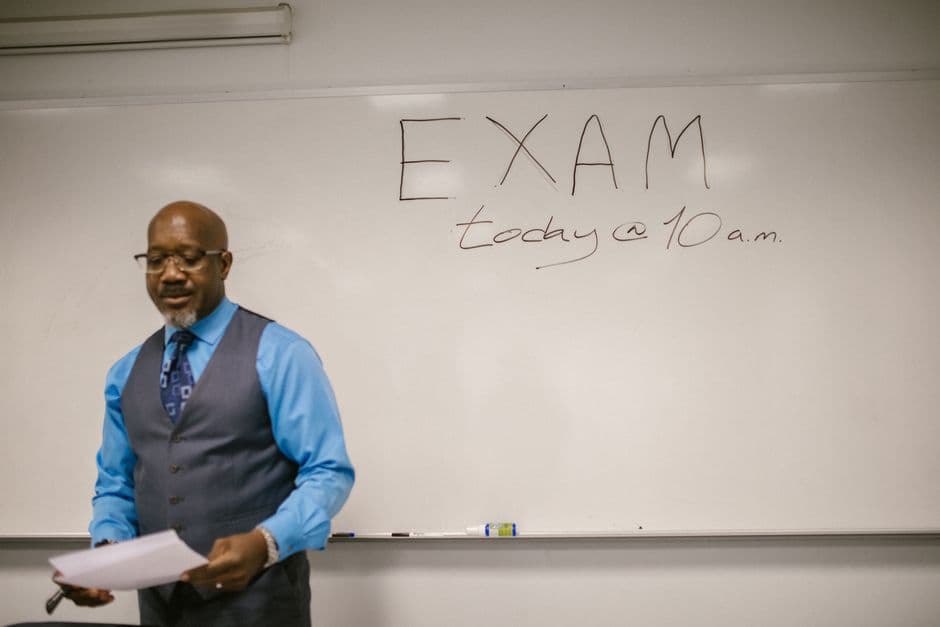
Education business owners struggle with scheduling conflicts, payroll errors, and staff communication. Learn how to streamline workforce management and reduce administrative headaches.
Get 20% off all annual plans
No credit card required · 14-day free trial · Cancel anytime